linctl, a Linear CLI that agents like too

linctl is Kyle Wild’s command-line tool for Linear. Issues, projects, teams, comments, labels and attachments, with --json on every read so Claude Code and friends can drive it without a plugin. I’ve been living in it for a year and it deserves more users.
brew tap dorkitude/linctl
brew install linctl
linctl auth
linctl issue list --assignee me
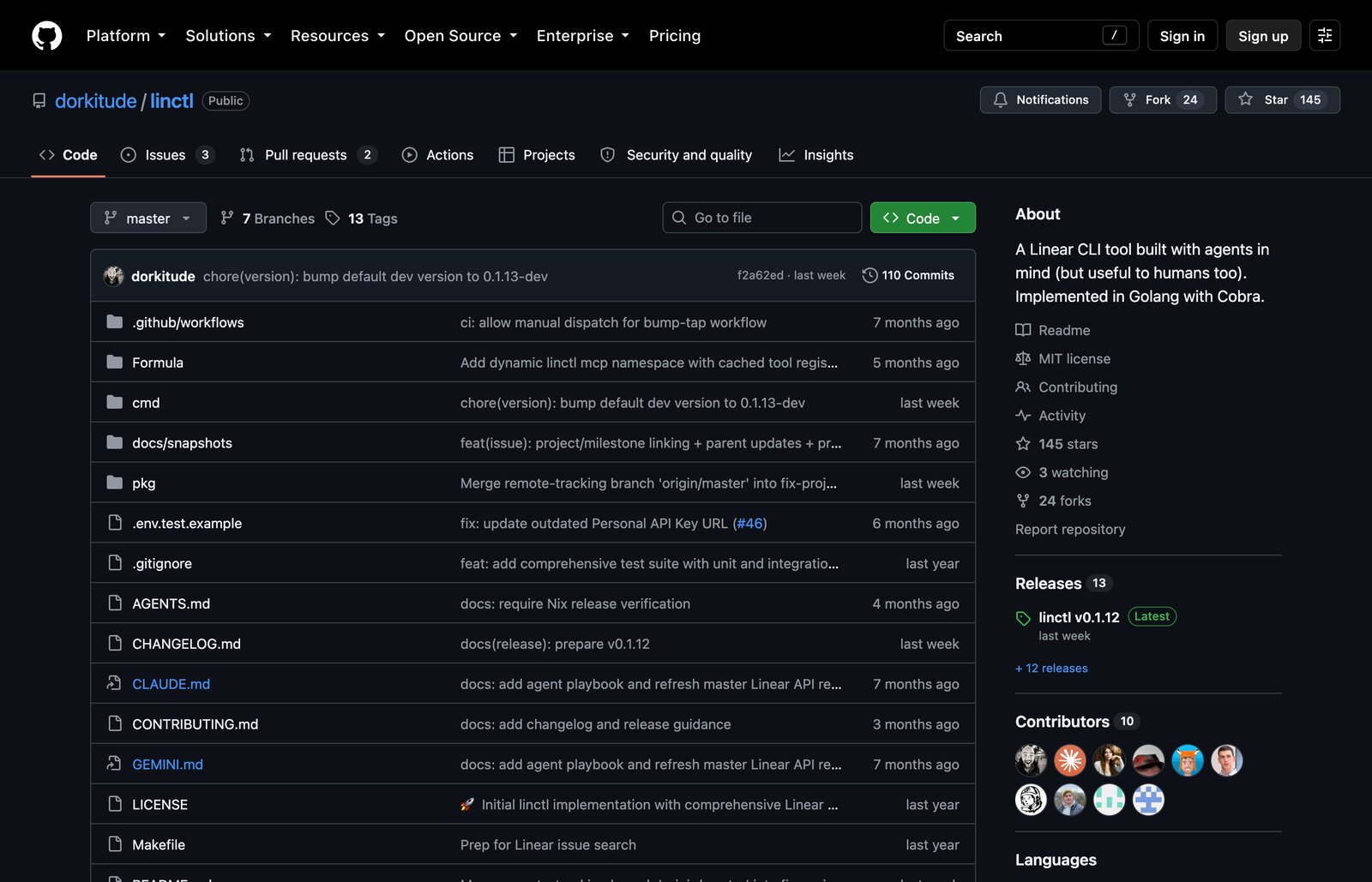
Things I like:
linctl graphqlis a raw escape hatch that reuses your login. Anything the API can do, you can do from a shell.linctl mcpbuilds a set of agent tools from Linear’s API schema, so an agent gets the whole API without anyone hand-writing tools.- Issue relations: blocks, blocked by, related, duplicate.
issue get --download-attachmentspulls the screenshots down with the ticket.
My first patch, last October, was a way to attach a GitHub pull request to an issue, for when I forgot the magic branch name:
linctl issue attach LIN-123 --pr 456
My newest one lets you paste a Linear URL anywhere an issue, project or team id goes, and resolves GitHub pull request links to their Linear issue. I copy Linear URLs all day and expect them to just work:
linctl issue show https://linear.app/hackers/issue/HTP-123/pool-on-the-roof-is-leaking
That one is still an open pull request as of writing, so you’ll need my fork for now. UPDATE: it was merged on October 13, 2026.
Caveats: by default it hides completed issues and anything older than six months, which surprised me once. The Homebrew formula sometimes lags the latest tag a little.
Thanks Kyle, and thanks Charlie Tran for merging that first patch into his fork while it waited.