scapectl, the headset app Fractal should have made
I bought a pair of Fractal Design Scape wireless headphones, couldn’t get my Mac to switch its audio over when I put them on, and returned them. My friend Charlie Tran was more determined than me. He reverse-engineered the headset’s USB HID protocol and built scapectl, a menu-bar app and CLI that does what Fractal’s own app does, plus the thing I wanted. So I bought another pair, and here we are.
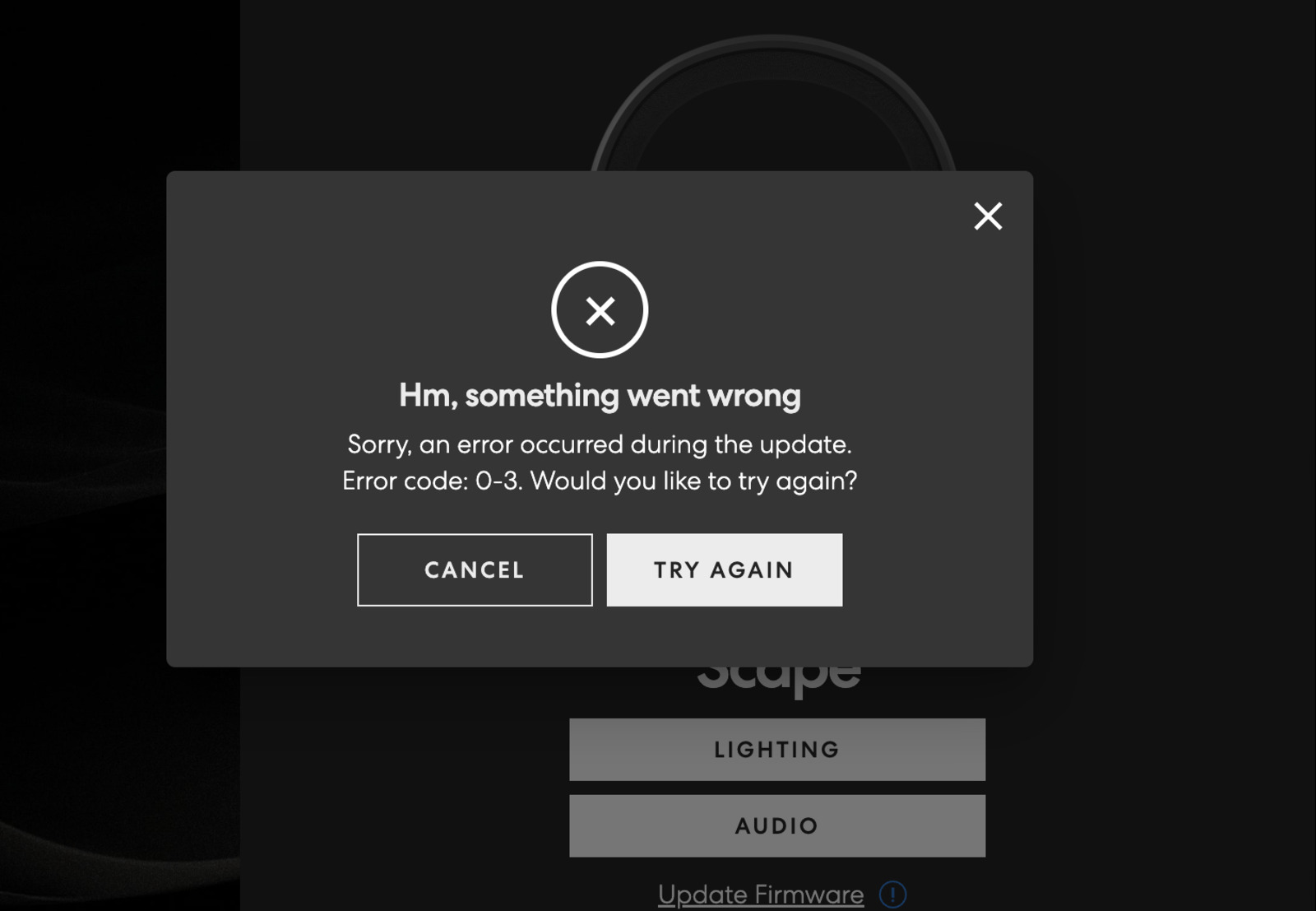
Fractal’s official app is a browser-based web app, and it looks like this a lot:
scapectl puts battery, firmware, EQ slot, mic mute and more in your menu bar, and runs your own scripts on 12 headset events, with the headset’s state in environment variables. The killer use: switch your Mac’s audio output to the headset the moment it powers on.
brew tap charlietran/scapectl https://github.com/charlietran/scapectl
brew install --cask scapectl
Since then I’ve sent Charlie a handful of patches:
- The Homebrew cask, and a cleanup so it installs without warnings
- Light and dark app icons
- Cooldowns per event, so one script can handle several events
- EQ data for your scripts, plus
make devto build and relaunch the app locally - Still in review: tray icons that show the headset’s state
My favorite is the EQ one. Change EQ presets on the headset and you get a notification with the curve drawn in it:
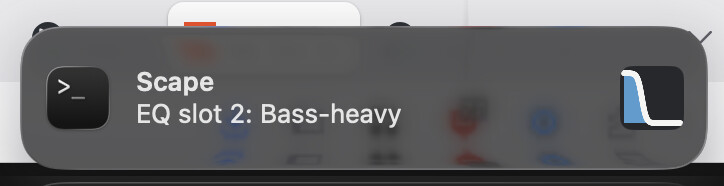
That’s a rinky-dink renderer in my gist, along with my config and a few other ways to do notifications. scapectl hands your scripts the data and stays out of the drawing business, which I think is right.
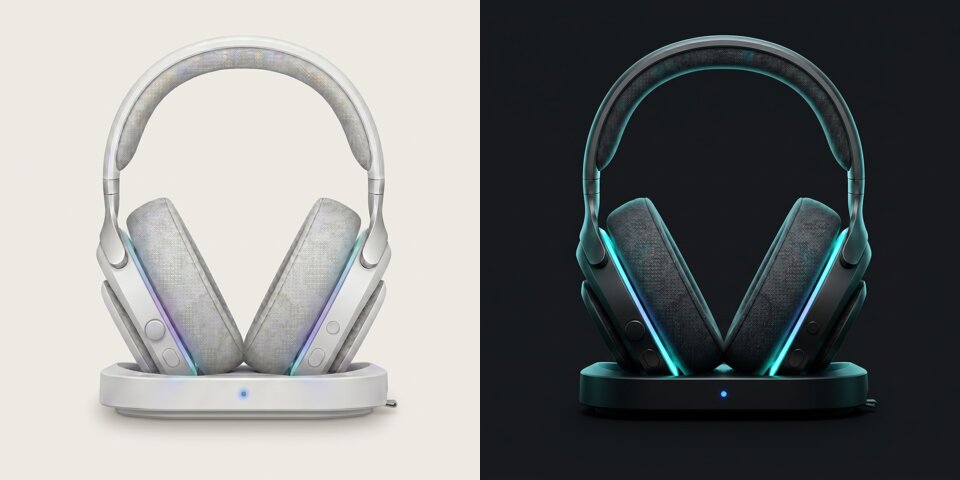
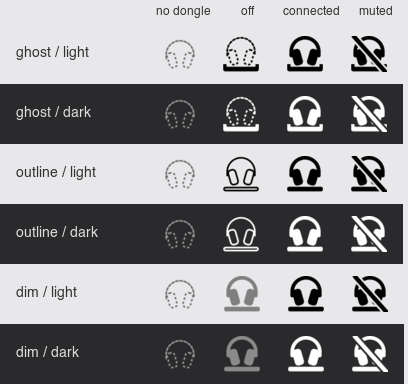
The tray icon PR changes the menu-bar icon with the headset: no dongle, off, connected and muted. There’s a temporary menu to try three designs, so go vote for your favorite:
Caveats: it isn’t notarized (the Homebrew cask handles that for you), it needs Input Monitoring permission, and it can’t run at the same time as Fractal’s app, since they fight over the same USB stream.
Thanks Charlie, for building the app I gave up on.